

Interiors for digital nomads: space for online meetings
Organise a space for online meetings in Portugal: camera position, light, sound, background and storage. Plan for calls, presentations and online teaching.

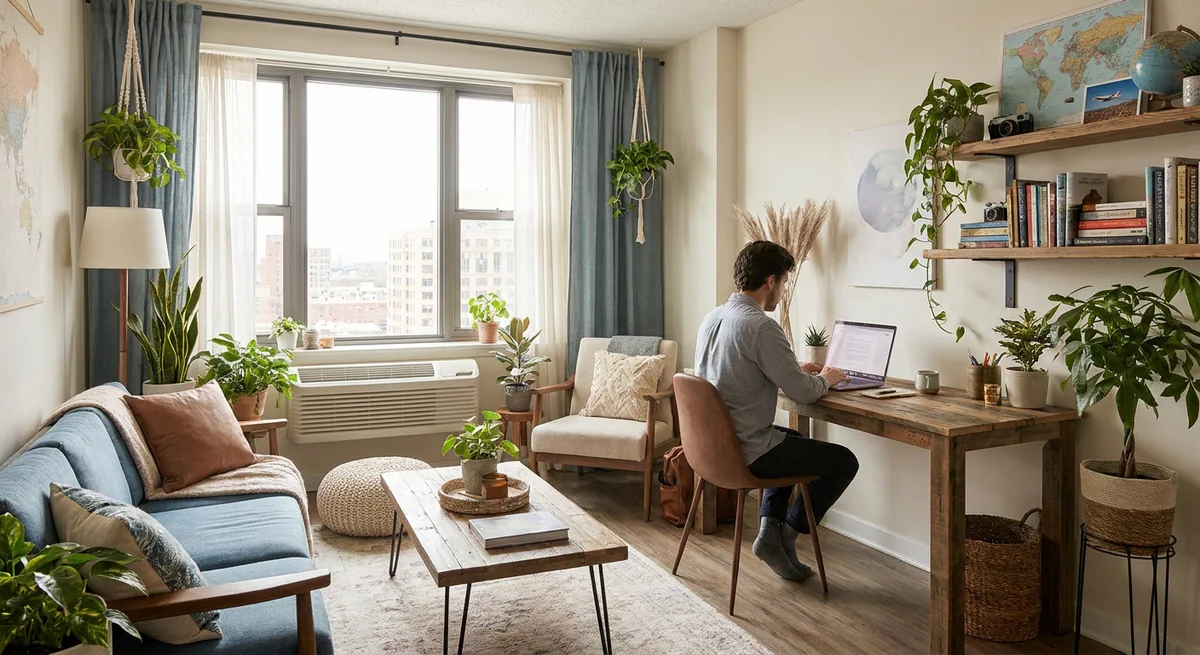
If you work from home and regularly host online meetings, the interior becomes part of both the workspace and the camera frame. You need to see participants, present materials, control light and talk without disturbing others. For digital nomads, there is also the task of settling into a new property and establishing a practical routine.
This guide covers space for negotiations, presentations and online teaching. The home office guide addresses desks, chairs and general storage. Here, the starting point is how the space performs during a call.
Define the meeting format
Record call frequency, the number of screens and whether you demonstrate objects, a board or documents. Teaching with materials needs a different arrangement from a short laptop conversation. Consider whether a second person appears in the frame.
Choose a principal position where equipment can stay or be set up easily. In a shared room, agree calling times and the working area's boundaries. In a small apartment, first check the overall layout and circulation.
Check the camera angle and background
Sit at the workstation and open the camera preview. Check what appears behind you, including doors, household movement, personal documents and reflections. Recheck the position after the monitor and normal working materials are in place.
The background can be a calm part of the room or well-organised storage. Provide somewhere for teaching materials and notes after meetings so preparation does not require rearranging the whole interior each time.
Review light at calling times
Assess the image in the morning, during the day and under evening lighting. A bright window behind you, screen reflections or a fitting in frame can affect the chosen angle. Try positioning and light controls before deciding whether another fitting is needed.
Coordinate curtains and blinds with window opening and access to controls. The lighting plan should consider both desk work and video calls alongside the appearance of fittings.
Test sound and privacy
Make a trial recording or call using your usual equipment. Listen for appliances, street noise, echoes and conversations in nearby zones. Check whether your meeting can be heard by others in the apartment.
Review microphone position, room use and location before ordering finishes. Textiles and decorative panels have different roles from sound insulation; a substantial acoustic task needs its own assessment. Specify a solution around the identified issue.
Plan a portable setup and connections
For temporary accommodation, list the items you actually need: equipment support, additional light if required, communication devices and their storage. Agree any changes to finishes or fixings with the property owner first.
- Test the connection on site under normal use.
- Keep power and connections accessible.
- Route cables away from circulation while retaining service access.
- Allow space to demonstrate materials and take notes.
- Make a trial call after the arrangement is complete.
Video meeting space questions
Does this apply to online teachers?
Yes. Also check how lesson materials are shown and stored afterwards. The teaching format determines the relevant changes.
Do I need to renovate the entire room?
Not always. Start with a design consultation: send a plan, photographs and your meeting requirements. For a permanent home, decisions can form part of the interior design project and the apartment furnishing plan in Portugal.